
Split Image for Printing
Into Printable Pages
Split any image for printing into pages you can tape into one giant poster. Upload your image and we will divide it across multiple pages so you can print and assemble a huge wall poster.
No sign up required
Works on Windows, Mac, Linux, and mobile
PDF Output
A ready-to-print, multi-page PDF in one click.
Any Size
From 1 to 10 pages wide — as big as you want.
High Quality
Handles large HD photos with sharp output.
Privacy First
Images are processed locally and never uploaded.
Make Your Block Poster
Upload an image, pick your paper size and page count, then download a printable PDF.
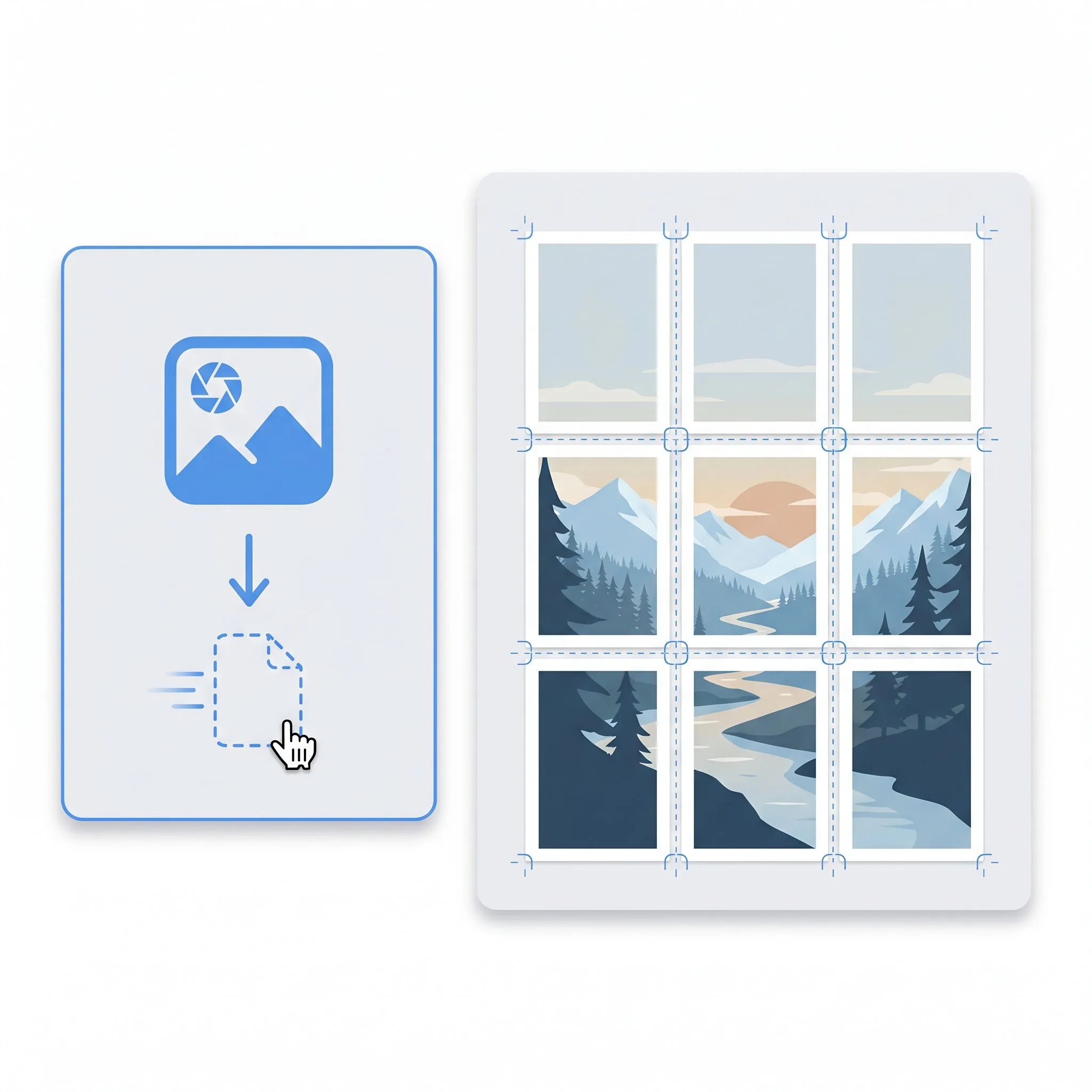
How it works
Split an image for printing in three steps
From one image to a multi-page poster in under a minute.
Upload your image
Drag in a photo or paste an image URL. PNG and JPG both work.
Choose how to split it
Pick page width, paper format, orientation, and border.
Download & print
Get a multi-page PDF, print it, and tape the sheets together.
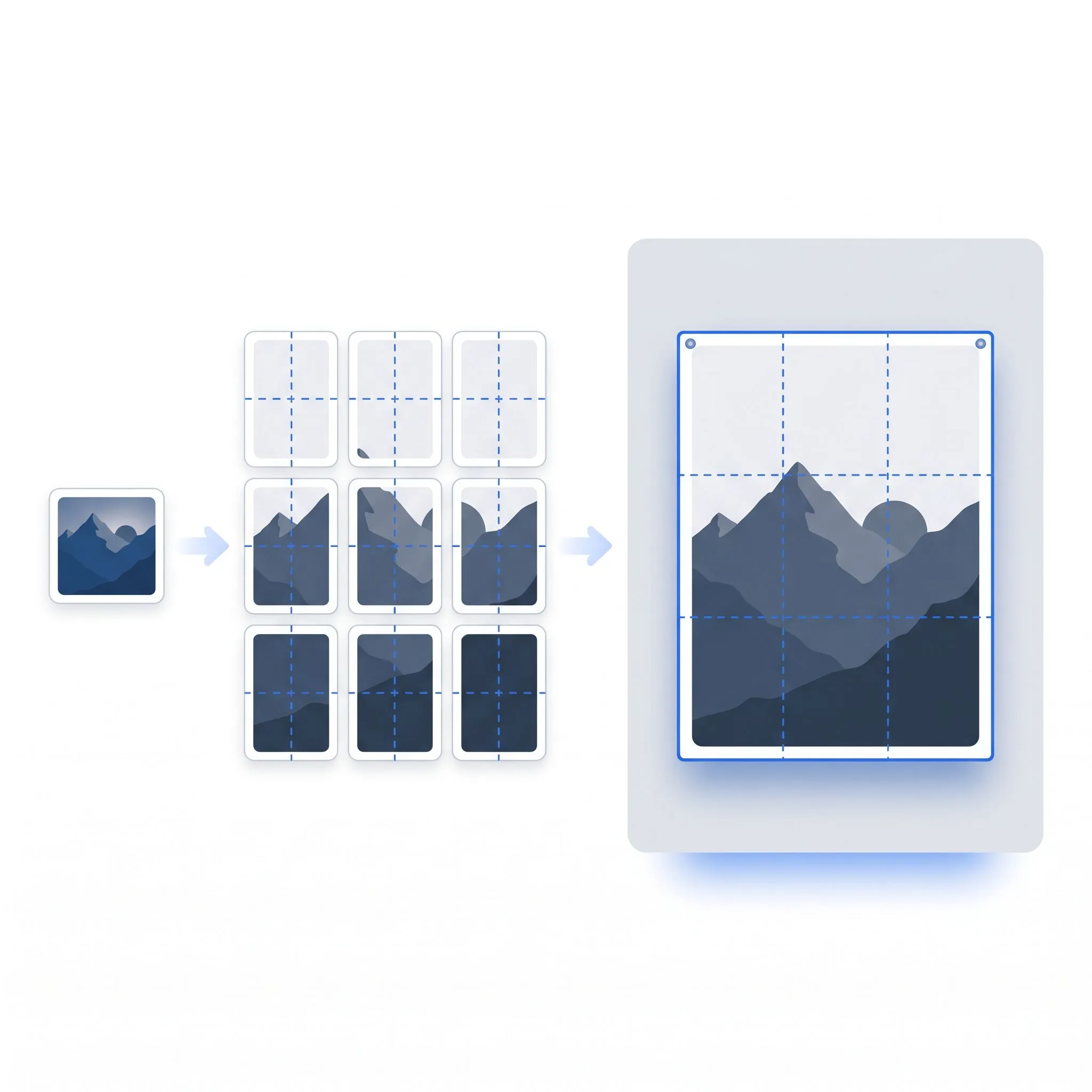
The easiest way to split an image for printing
Upload your image, choose how many pages wide it should be, and download a ready-to-print PDF. Each page is one piece of the split image — print at 100%, tape the sheets together, and your split image for printing is ready to hang.
Features
Split an image for printing — the modern way
Everything you need to split an image for printing — clean, fast, and free.
No watermark
Clean output. Your split image for printing has no logos on top.
Any paper size
Print on A4 or US Letter, in portrait or landscape.
High resolution
Handles large HD images without turning them into a blurry mess.
Private by design
Images are split in your browser. Nothing is uploaded to a server.
100% free
No account, no paywall. Split any image for printing for free.
Works everywhere
Runs in any modern browser on Windows, Mac, Linux, and mobile.
Why Choose Us
The split image for printing tool built for today
Block Poster takes the classic split image for printing idea and rebuilds it — faster, cleaner, no installs, no watermark.
Instant, in your browser
Upload an image and your split image for printing PDF is ready in seconds. The whole tool runs locally.
AI enhancement (coming soon)
Low-resolution image? AI upscaling sharpens it before we split, so even small pictures print crisp.
A modern blockposters alternative
Want a faster, mobile-friendly, watermark-free way to split an image for printing? This is the alternative worth switching to.
Nothing to install
No app, no plugin, no account. Open the page and split your image for printing right away.
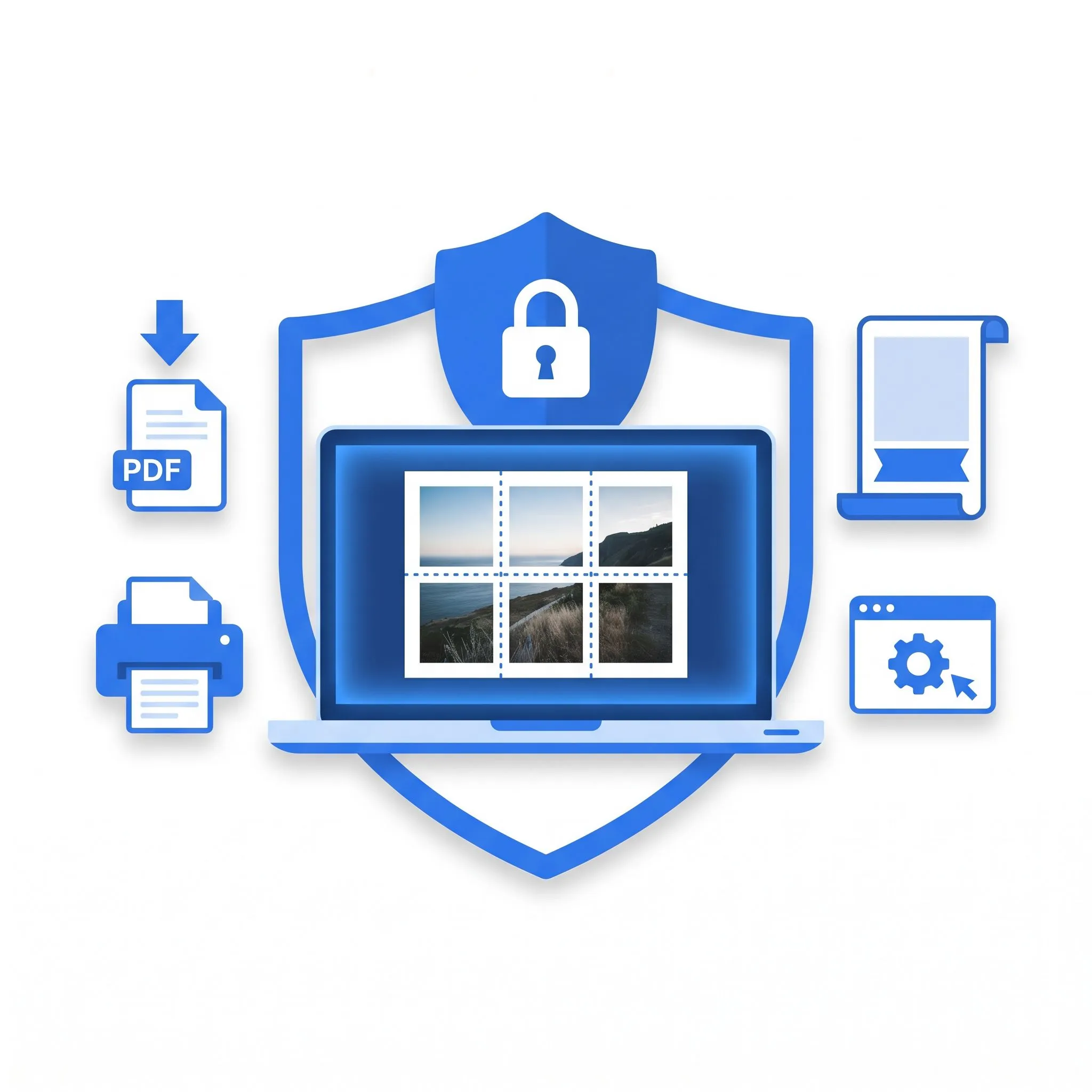
From one image to a multi-page poster
Pick your image, choose how many pages wide it should be, and download the PDF. Print each page at full size, then tape the sheets together along the alignment marks — your split image for printing is ready to hang.
Who's It For
Made for anyone splitting an image for printing
If you've ever needed to print an image bigger than one page, this split image for printing tool is for you.
Teachers
Split lesson visuals across pages into wall-sized posters students can read from the back row.
Students
Build project displays and presentation backdrops — no design skills or budget.
Families & home
Split a favourite photo across pages for a birthday, a nursery, or a gallery wall. Print at home in minutes.
Events & parties
Print a huge welcome sign or photo backdrop from any image, the same day.
FAQ
Split image for printing questions, answered
Everything you might want to know about splitting an image for printing.
What people print
Real uses of this split image for printing tool.
“I split a world map across three pages for my classroom wall for free. The kids love it.”
“Split my daughter's drawing across pages into a giant birthday poster. Took five minutes.”
“Clean PDF output, no watermark, runs in the browser. The split image for printing tool I wanted.”
“I used blockposters.com for years. This split image for printing tool is faster, mobile-friendly, and has no watermark.”
“My images never leave the browser — that sold me. Best split image for printing tool I've tried.”
“Needed a giant welcome sign the day before an event. This split image for printing tool did it in five minutes — for free.”
Ready to split an image for printing?
Upload an image and download a multi-page PDF in seconds. No sign up, no watermark, no cost.